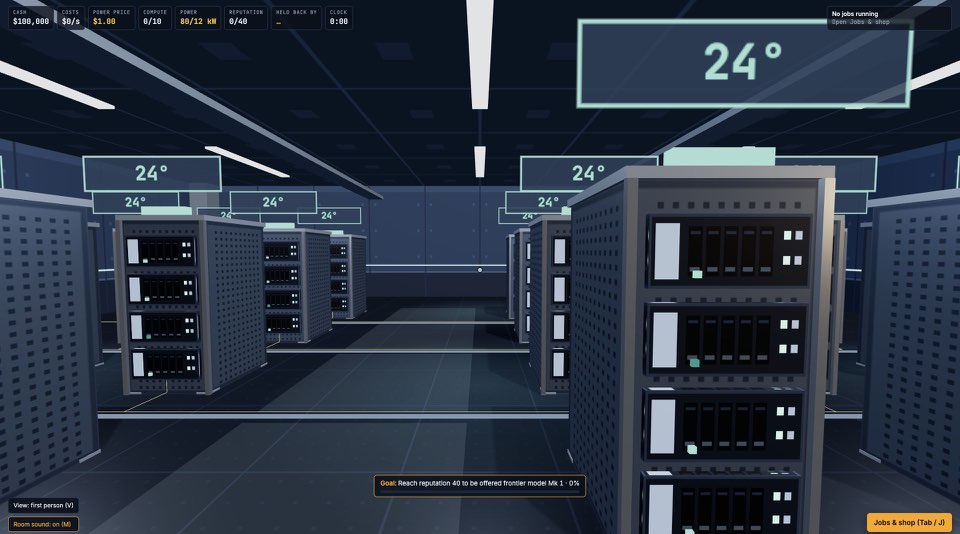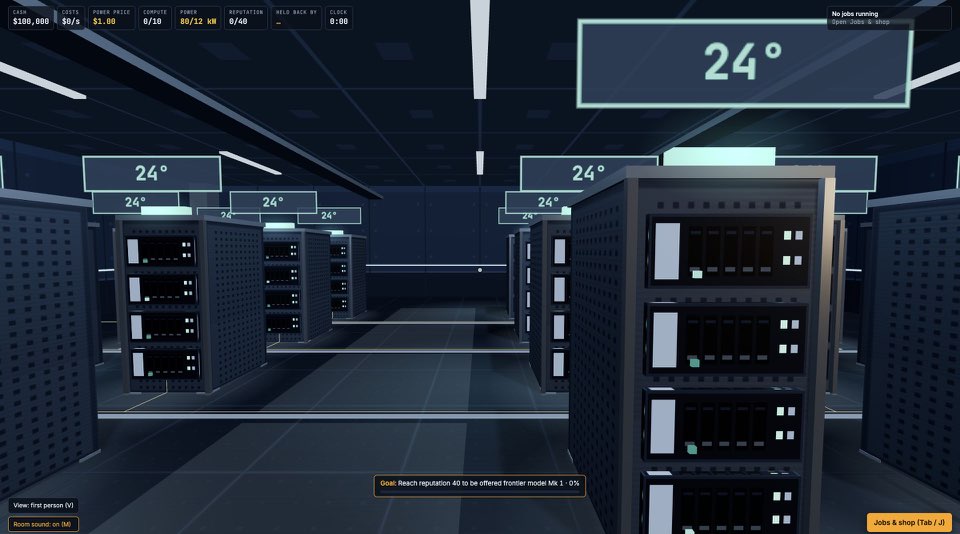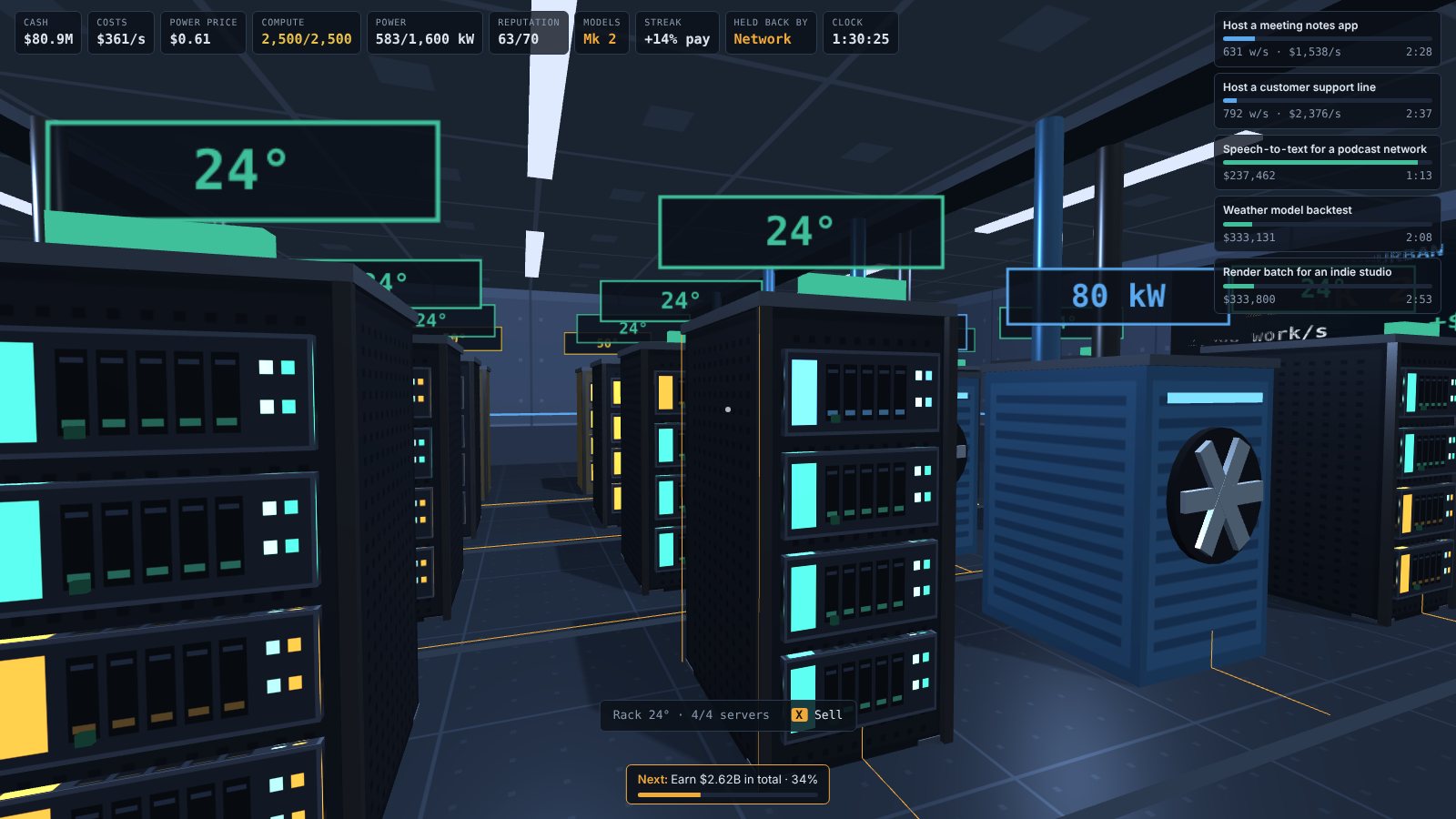
New here? Start with the tutorial.
Then build without a timer in the main game, or take on short challenges in Endless Shifts. Each keeps its own save.
Made for a computer with a keyboard and mouse. The game does not have touch controls.
Learn to play
No tech knowledge needed. Dispatch guides you through your first job, your first upgrade, and your first cooling problem.
Start tutorial Main game · No time limitGrow your company
Build at your own pace. Take bigger contracts, hire robot technicians, and turn a small room into a growing operation.
Start playing Short challenges · Endless ShiftsOne more shift.
Six opening shifts teach you to build, cool, schedule and recover. Take service tickets, choose your next job, and earn room to expand. Then keep the shifts coming. A separate save.
Try Endless ShiftsThe room has another story.
A few minutes into the main game, you may hear a voice that wasn't on the radio before. Keep playing and another voice answers. Follow the mystery if you want. Your room is yours either way.
- Plays in
- Your web browser
- Controls
- Keyboard and mouse
- Price
- Free to play
- Progress
- Saved in this browser
The next upgrade starts with a job.
New here? Learn to play with a guided ten-minute tutorial. Ready to build? Play the main game with no time limit. Your tutorial, main game and Endless Shifts run save separately.
Take a contract
Pick your first job at the terminal. Watch your computers work, then receive the payout automatically.
Order hardware
Use that money to buy another computer. It arrives as a crate at the loading dock.
Carry and rack it
Carry the crate to your lit rack. More working computers can finish jobs faster.
Plug it in
New racks and coolers need power. Find the wall panel and plug them in.
Keep it alive
Watch for heat, power and network limits. Each one can slow your jobs.
More servers. More heat. Your problem.
Every rack shows its temperature on a light bar you can read from across the floor. A cooler chills the eight spots around it, so where you put things matters.
The work is piling up. So is the heat.
More servers earn more, but a hot rack slows down. Give this one some cooling.
Cooling off · Rack running hot
A quick illustration of the trade-off. In the game, cooling takes time, uses power, and needs to be placed near the rack.
Understand the game’s temperature warnings
These are game thresholds, not real-world operating limits. The field guide explains what the simulation simplifies.
Full speed. The light bar is green.
The rack slows down to protect itself.
Failures become more likely. Keep cooling within reach.
The rack shuts off until it cools to 40°.
The work changes when the room gets big.
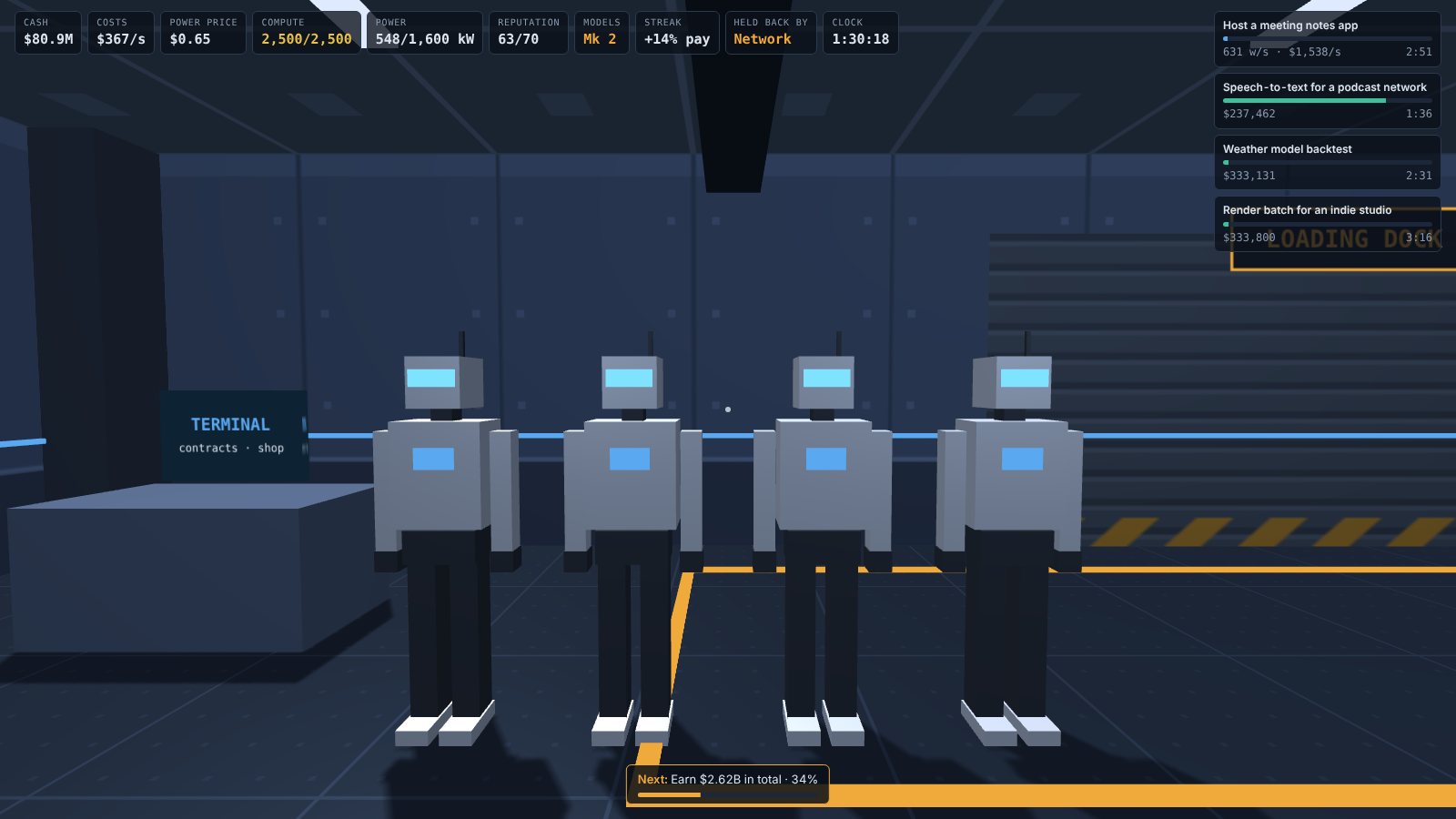
Hire a crew of robot technicians
Once your reputation is high enough, humanoid robots take over the legwork for a wage. You decide which jobs they do.
- Install servers from the dock, including AI pods when power and rack space allow
- Place coolers beside racks that need them
- Plug in new racks and coolers
- Reset tripped breakers
- Repair failed servers
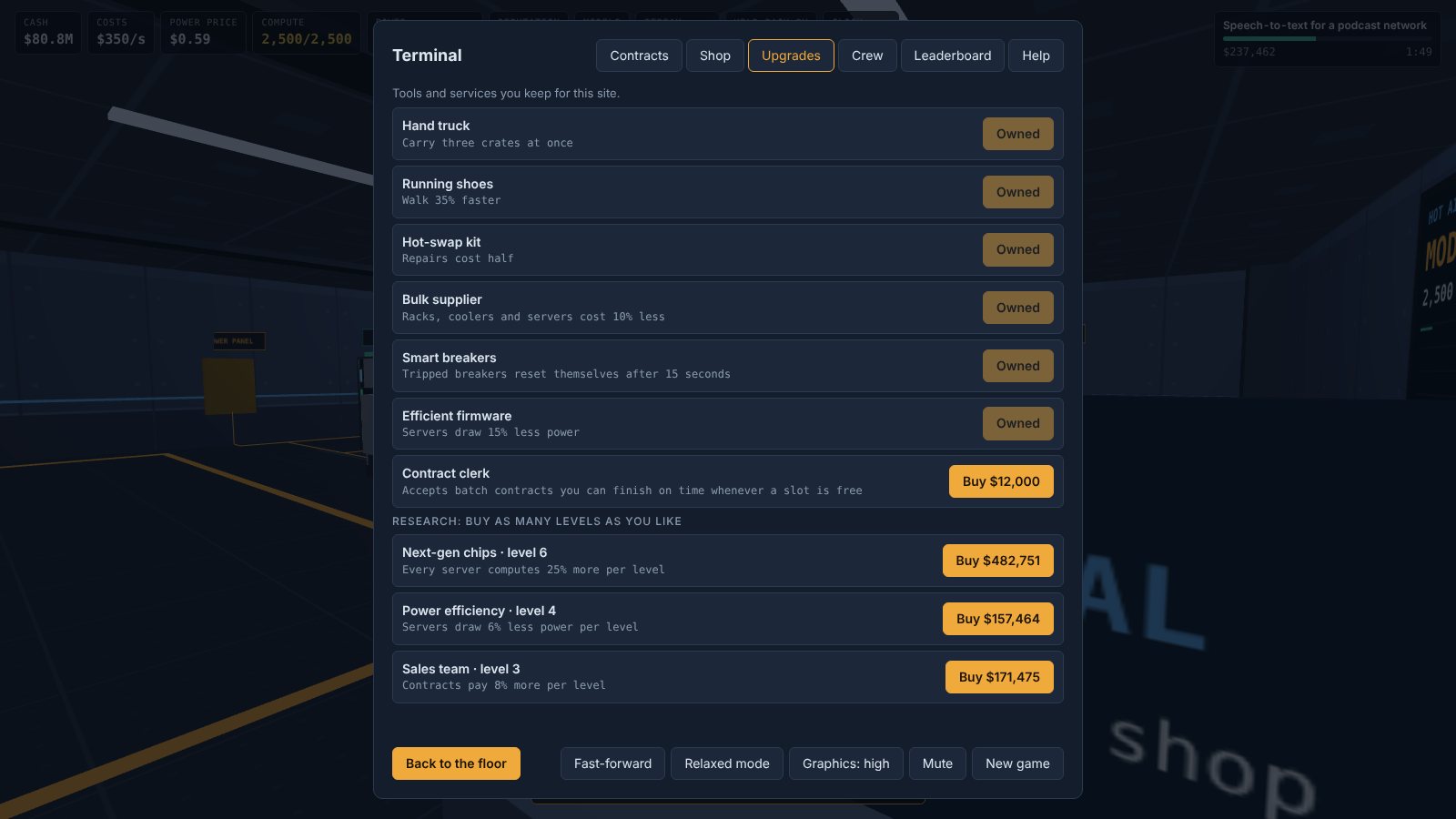
There is always another upgrade
In the main game, training a frontier model is a milestone, and the game keeps going after it.
- Each model you train raises all pay by 20% for good
- The next model is five times bigger
- Keep investing in chips, efficiency and sales
- On-time contracts build a streak worth up to 30% extra pay
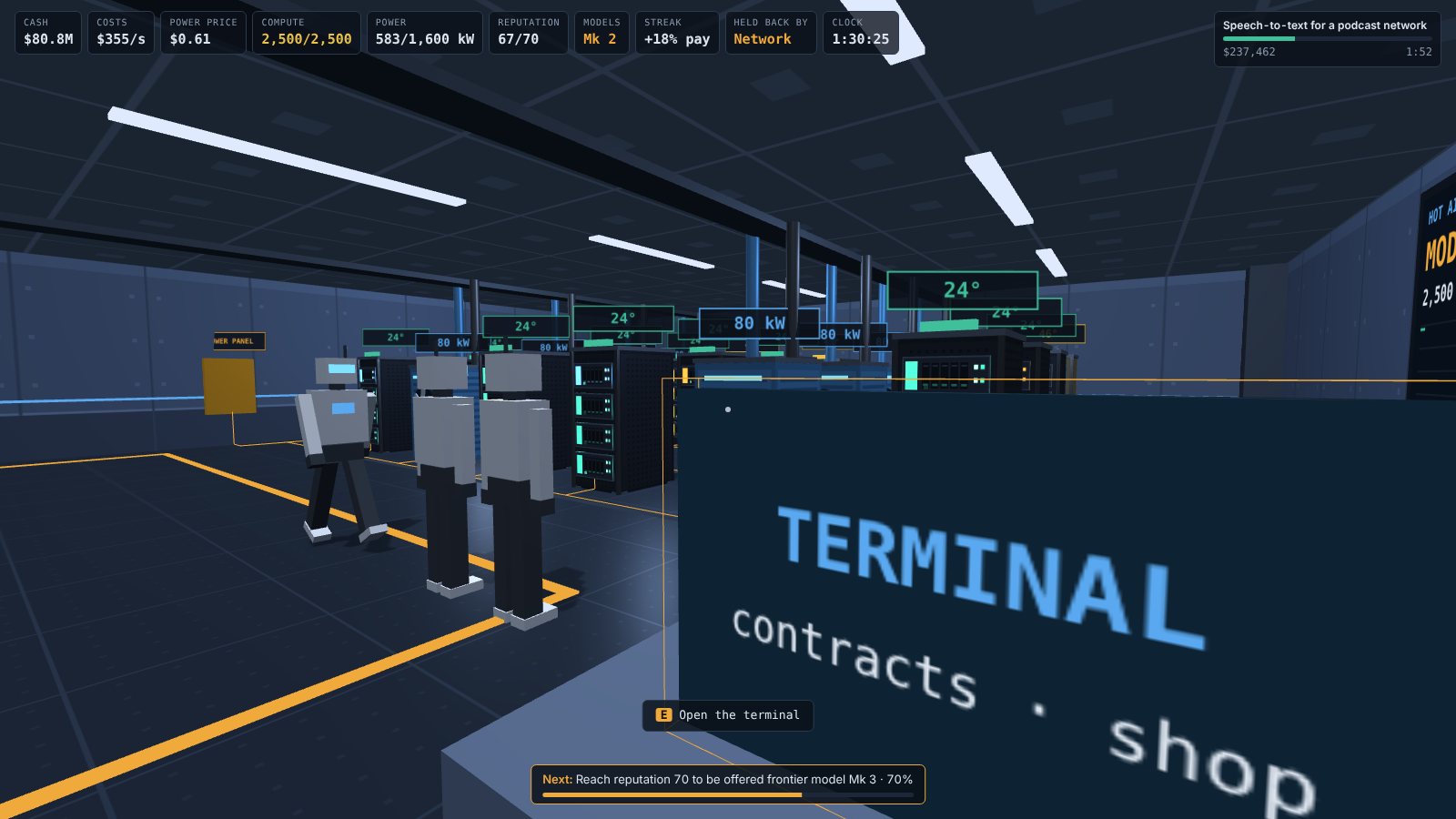
Something always needs you
A readout names what is holding you back right now, and the room keeps changing the answer.
- Breakers trip and a rack goes dark
- Grid alerts more than double the power price
- Heat waves push the whole room 8° hotter
- The power price rises and falls over a four-minute day
A new site changes the challenge.
After any frontier model you can cash out and open a new site. You keep a permanent pay bonus of 15% for every model you trained.
| Site | Room temperature | Power price | The catch |
|---|---|---|---|
| Suburban warehouse | Normal | Normal | None. The standard start. |
| Desert solar park | 7° hotter | 40% cheaper | Less spent on power. More cooling to plan. |
| Nordic fjord hall | 7° cooler | 25% more expensive | Cooler air, a higher electricity bill. |
| City basement | Normal | Normal | Contracts pay 30% more, but the floor can never expand. |
A handful of keys and a mouse.
View keyboard and mouse controls
Included in the game.
- A ten-minute tutorial with choices and a personal best
- A main game with no time limit
- Endless Shifts with six opening challenges, service tickets and a field guide
- Voice dispatch with captions and separate audio controls
- Separate saves for all three ways to play
- Private, opt-in gameplay analytics
- Optional story clues hidden in the main game
A few useful things to know.
Do I need to know anything about data centers?
No. The tutorial teaches the controls and your first jobs as you play. In Endless Shifts, short debriefs and an optional field guide explain the ideas behind your decisions. It is a realistic data center simulator with simplified systems, not professional certification.
Can I play on my phone?
You can explore this website on your phone. To play, use a computer with a keyboard and mouse. Start with Low graphics if the game feels slow.
Where does my progress go?
Your saves stay in this browser, on this device. There is no account or cloud sync. Clearing browser data can remove your saves. The tutorial, main game and Endless Shifts have separate progress.
Do I have to follow the AI story?
No. The voices are an optional mystery in the main game. You can turn Story events off in Settings and keep building.
What data do you collect?
Optional gameplay and performance analytics are off by default. You can change your choice in Settings. Read the privacy page for details about site analytics, feedback and your choices.
What’s new
Lighting comparison from our previous graphics update